
Home » 3D Printing Materials » HP Binder Jetting – Metal 3D Printing » HP Binder jetting Stainless Steel 316L
Login
If you have any trouble logging in to your account, contact us.
Sign Up
To start 3D printing or Laser Cutting, you'll need to create an account here. Once done, you'll be able to upload your files and get live quotes of yours parts
Already have an account? Log In
Home » 3D Printing Materials » HP Binder Jetting – Metal 3D Printing » HP Binder jetting Stainless Steel 316L
Colors
Finishes
Characteristics
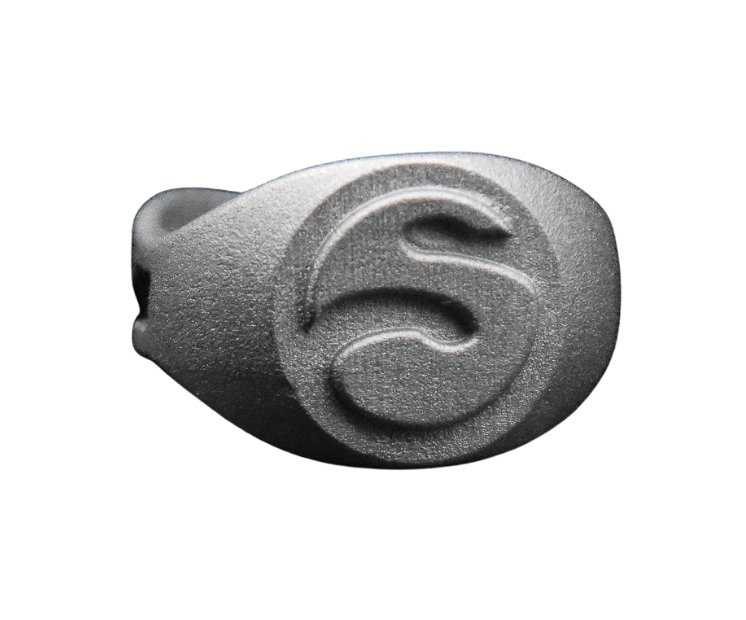
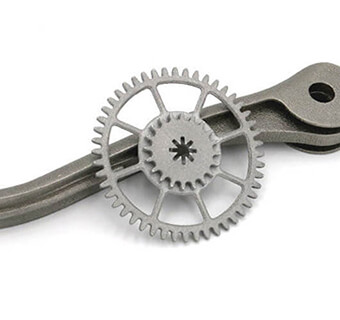
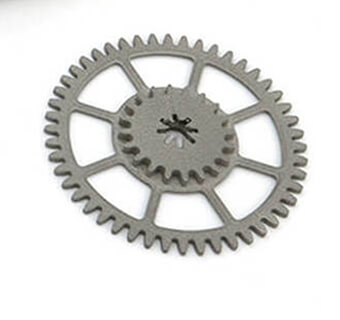
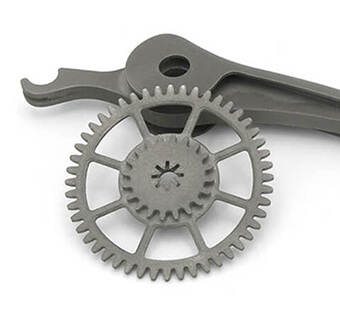
HP Metal Binder Jetting Stainless Steel 316L refers to using HP’s Metal Jet 3D printing technology, which is a binder-jetting additive manufacturing process, to produce parts from 316L stainless steel. This process works by selectively depositing a liquid binder onto a bed of fine metal powder in successive layers to shape the part, creating a “green” printed piece. After printing, the part is cured, debound, and sintered in a furnace to fuse the metal particles into a dense, high-quality final component with excellent mechanical properties. Stainless steel 316L is particularly valued for its extreme corrosion resistance, heat tolerance and suitability for demanding applications in automotive, aerospace, medical, industrial, and chemical environments, making it an ideal material for functional, end-use metal parts produced with HP Metal Jet technology.
Stainless Steel 316L enables the production of durable, high-performance metal parts designed for demanding environments.
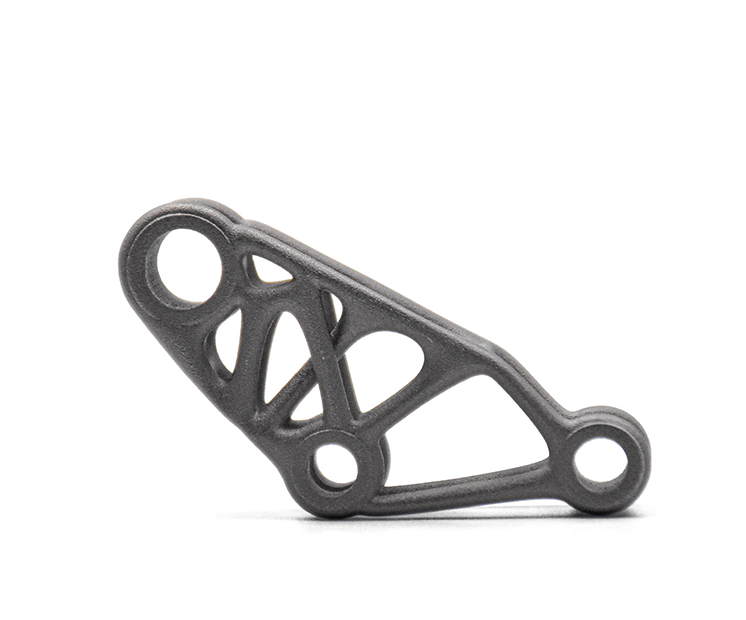
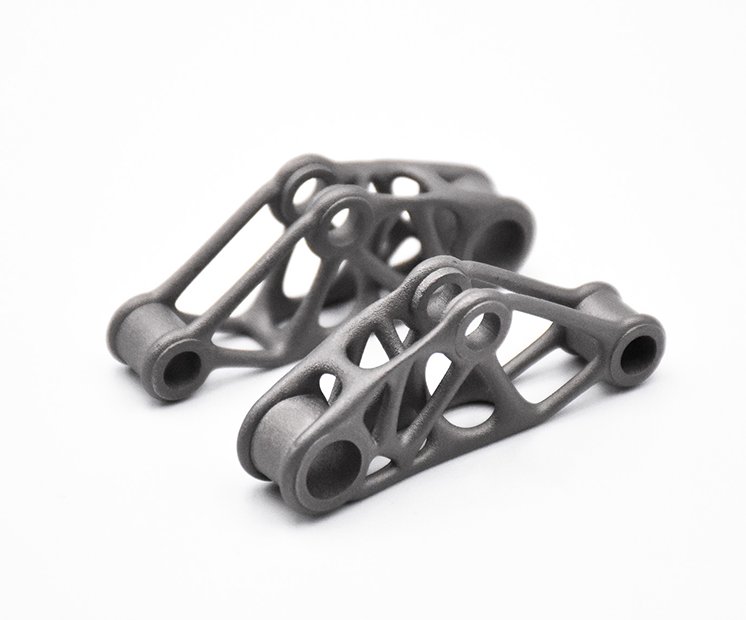
Mechanical parts
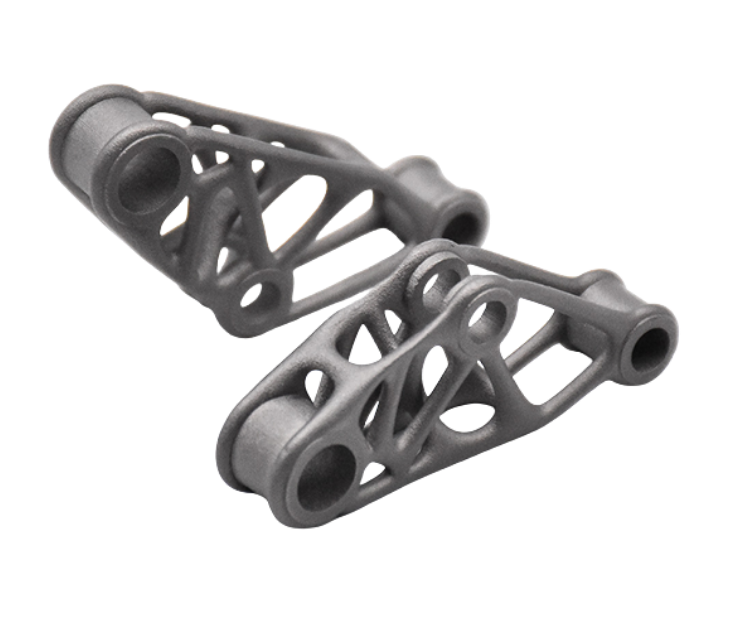
Robust and precise stainless steel components designed for functional, load-bearing applications, offering excellent strength, durability, and corrosion resistance.
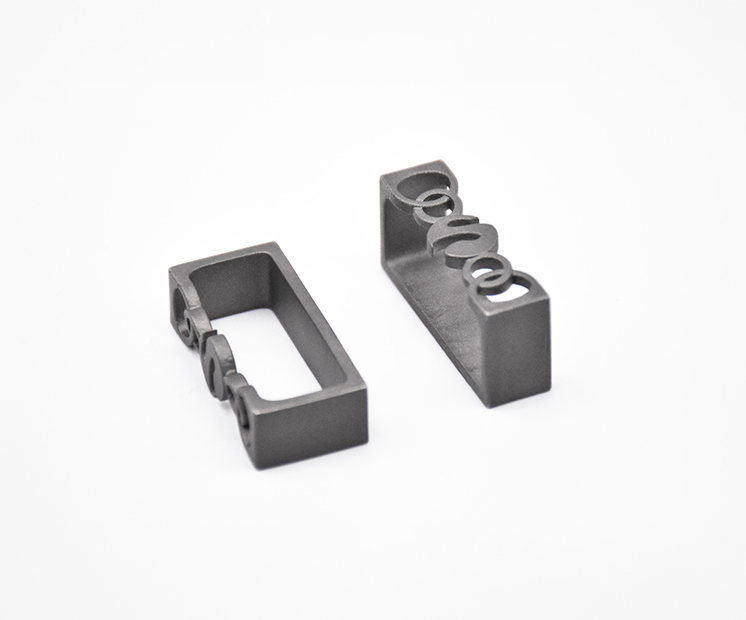
Metal decorative parts
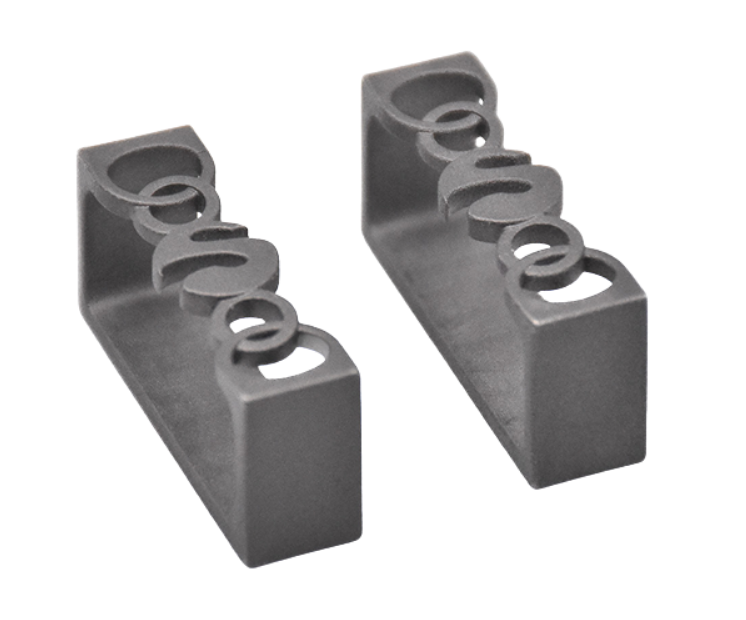
High-quality metal parts with refined details and smooth finishes, ideal for design-driven applications where aesthetics and durability matter.
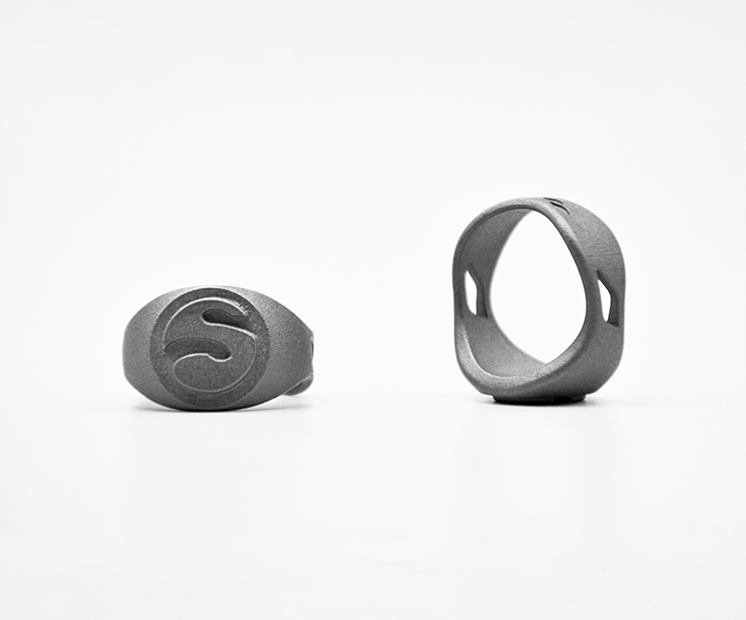
Jewelry
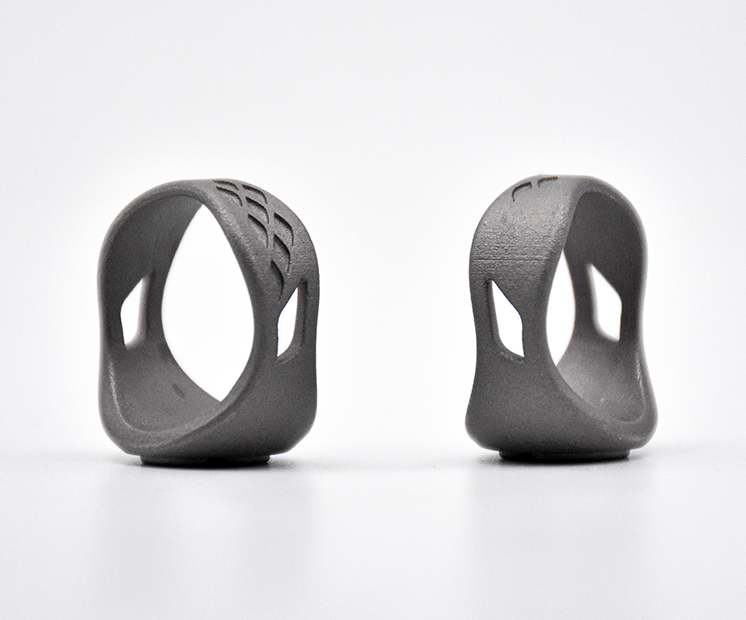
Intricate and customizable jewelry pieces produced with fine detail and corrosion-resistant stainless steel, combining design freedom with long-lasting quality.
Thanks to its excellent corrosion resistance, mechanical strength, and thermal stability, it is well suited for functional components such as brackets, housings, heat exchangers, fluid-handling parts, tooling, and complex assemblies. When combined with HP Metal Binder Jetting technology, 316L allows manufacturers to create complex geometries, internal channels, and lightweight designs that are difficult or impossible to achieve with traditional manufacturing methods. This makes it ideal for automotive, industrial, aerospace, medical, and chemical processing applications, as well as for producing end-use parts at scale with consistent quality and repeatability.
The printing price of your design is calculated automatically the moment it is uploaded. As you modify your object (changing material, finishing, size) you will note that the price changes automatically. The pricing is based on a series of factors, including total volume, object size, and bounding box – to name a few.
Keep in mind that adding finishing will extend the processing time. The estimated shipping time is also calculated automatically as the object is uploaded and each time you make a modification on it. Delivery time should be added to processing time.
For more information, check our pricing page.
The 3D printing process of HP Metal Binder Jetting Stainless Steel 316L is an additive manufacturing workflow that begins with a bed of finely powdered stainless steel 316L and a liquid binding agent. During printing, an HP Metal Jet printer selectively deposits the binder across the powder bed layer by layer to form the desired geometry. Once the build is complete, the “green” parts are removed and go through a thermal curing step to strengthen the binder, followed by debinding to remove most of the binder material. The parts are then sintered in a high-temperature furnace, where the metal particles fuse together into a dense, solid stainless steel structure with mechanical properties suitable for functional and end-use applications. This process enables high throughput, excellent surface quality, and the ability to produce complex and precise metal components more efficiently than many traditional manufacturing methods.
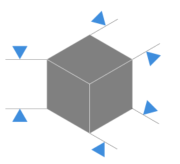
Maximum size : 50 mm (L) x 80 mm (W) x 40mm (H)

Aspect Ratio : Max ratio : 10:1 – We recommend to stay within 5:1
Layer thickness
Layer thickness: 35µm
Surface Roughness (raw finish)
Ra= 4-8µm
Accuracy
±3%, with a minimum threshold of ±0.3 mm
In case of small, medium and large serie production, the achievable tolerance for this material is : ±0.1mm for dimensions less than 10 mm, ±1% for larger dimensions. If accuracy is a high priority for you, contact our sales department for more information.
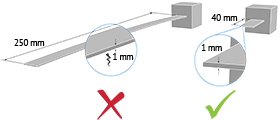
| Minimum wall thickness | 1mm |
| Maximum wall thickness | 15mm |
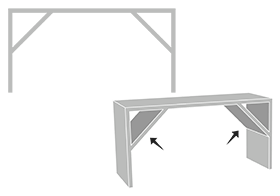
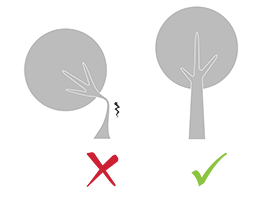
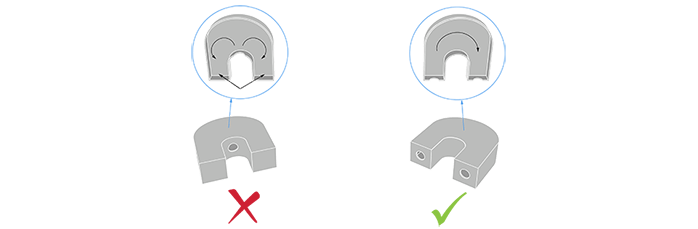
Add a support structure to maintain stability. For example, if you are modelling a bust of a person, you can attach thin aspects of the design like the ears in more places around the model’s head. Doing that will avoid cantilevered and easily breakable elements in the final print.
Thin walls supporting large, heavy stainless steel models can warp under the weight of itself.
Sculpteo offers an online solidity check tool which highlights parts of the print that may be too thin for a print. From there you are able to tweak your design in order to create an object that is an appropriate thickness. To use it, you just need to upload your 3D file , select your material and click on the “Verification” tab.
It is also important to keep in mind that the object is meant to be printed in real life. Thus if a thin aspect is supporting something that is too heavy for it, it may break – even though it is possible within the physics provided by your 3D modeling software. We recommend adding a bit of thickness to the places that will get a lot of handling, or that support the most weight.
Keep in mind that our solidity check tool does not detect physical aberrations such as floating parts, unstable position, parts supporting too much weight relative to their thickness, etc. Particular care must be given to the geometry of your design and the most stressed parts must be thickened.
Minimum width : 0.4 mm,
Minimum depth-to-width ratio: 2:1
Maximum depth-to-width ratio: 4:1
• Diameter between 1 and 3 mm: max depth 10 mm; hole must be
straight, no bends
• Diameter between 3 and 5 mm: max depth 30 mm; hole must be
straight, no bends
• Diameter > 5mm: no 90° bends, minimum radius of curvature 25mm.
Engraving :
• minimum font height 4 mm for readability
• minimum line width 0.5 mm
• depth-to-width ratio: min 2:1; max 4:1
Embossed :
• minimum font height 4 mm for readability
• minimum line width 0.5 mm
• depth-to-width ratio: min 2:1; max 3:1
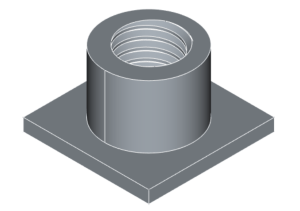
For sizes M10 and above, threads can be included in the 3D design. For smaller sizes, a hole is left at the core diameter to allow threading during re-machining. (not provided by default by Sculpteo)
![]()
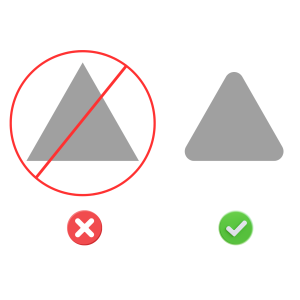
Sharp edges are not recommended : min 0.5 mm bend radius. In case of a T fitting, we recommend a radius of curvature of min 2 mm, conical joint is also recommended.

| Minimum clearance between parts (for chained parts) | 1 mm |
| Hollowing? | Yes |
| Minimum wall thickness | 1,2mm |
| Minimum size of the hole | 4 mm |

Hollowing your stainless steel parts allows you to make them lighter, and reduce the price of printing but it is necessary to respect a minimum diameter. Otherwise, we will not be able to remove the powder completely from the inside cavity.
Our online hollowing optimization tool has the ability to calculate this automatically.
Using the tool requires adding two holes to your model, which will serve as the drain for the excess powder material within the object. The minimum size of these holes is determined by our website. Otherwise it is possible to hollow your object manually in your 3D modeling software.
It is not possible to print a 3D file containing several objects, that’s why we cannot accept files that contain clusters of multiple objects. Though, if you wish to purchase more than one identical parts, you can select the number of parts you want to order during the checkout. The more parts you order, the lower your price per part gets.
You can also use our online tools and see our tricks and tips on how to reduce your 3D printing price.
To get more information on your metal additive manufacturing service, you can contact our qualified sales team.

With Sculpteo’s online 3D printing service you’re just a few clicks away from professional binder jetting stainless steel 3D printing. Your 3D model is printed with the highest quality and delivered straight to your door.
Get started now!
Connect with Google
Connect with Facebook