Login
If you have any trouble logging in to your account, contact us.
Sign Up
To start 3D printing or Laser Cutting, you'll need to create an account here. Once done, you'll be able to upload your files and get live quotes of yours parts
Already have an account? Log In
PLA plastic, or polylactic acid, is a bio-based thermoplastic made from renewable plant sources such as corn starch or sugarcane. It is one of the most widely used materials for FDM 3D printing because it is easy to print, produces detailed parts and typically requires less warping than many other 3D printing plastics.
PLA is well suited to produce jig & fixtures and decorative objects, but it has lower heat resistance than materials such as ABS. Although PLA is often described as biodegradable, it generally requires the controlled conditions of industrial composting facilities to break down effectively.
The performance of a printed part depends on its geometry, build orientation, wall thickness and infill. Review the design guidelines and technical specifications before selecting PLA for a project with specific mechanical or thermal requirements.
PLA 3D printing is a cost-effective option for small production runs, prototypes and limited-edition products. Because parts are made directly from a digital file, you can produce the quantity you need without investing in molds or other dedicated tooling. This makes PLA a practical choice for testing a design, fulfilling low-volume demand or creating customized parts. Its rigid, lightweight properties suit visual models and components used in low-heat, low-stress conditions; for parts exposed to demanding mechanical loads or high temperatures, another material may be more appropriate.
PLA components can be produced to cover a wide range of applications, from product development, custom parts, jigs and fixtures and more.
ABS plastic can be used for a broad range of product development and industrial applications. FDM 3D printing enables you to manufacture custom parts, evaluate design changes and produce components adapted to your assembly or workflow.
Test your design with PLA prototypes that help you evaluate shape, fit and functionality.
From brackets to mechanical covers, printed components allow you to compare design iterations and identify improvements before committing to production tooling. Functional testing should account for the layered structure of FDM parts.
Create custom PLA housings, equipment enclosures and protective covers.
Integrate mounting points, cable openings and internal supports directly into your 3D model. PLA offers a practical combination of rigidity and toughness for enclosure prototypes and selected functional housings.
Assembly and fit-check models
Verify how components fit together with 3D printed assembly models.
Use PLA parts to check clearances, positioning and access to attachment points. This helps identify interference and assembly issues early in product development.
Adapt your assembly process with custom jigs, positioning aids and fixtures.
PLA can be considered for workshop tooling that requires rigidity and resistance to handling. Material suitability depends on the expected loads, operating temperatures and frequency of use.
Produce customized mounts, holders and brackets for equipment and accessories.
Reinforcement, wall thickness and build orientation should be selected according to the expected stresses, particularly around fastening points.
PLA can also be considered for end-use plastic components when its properties meet the application’s requirements.
Assess the operating environment, mechanical loads and required service life before selecting the material. Testing may be necessary to validate the performance of the finished part.
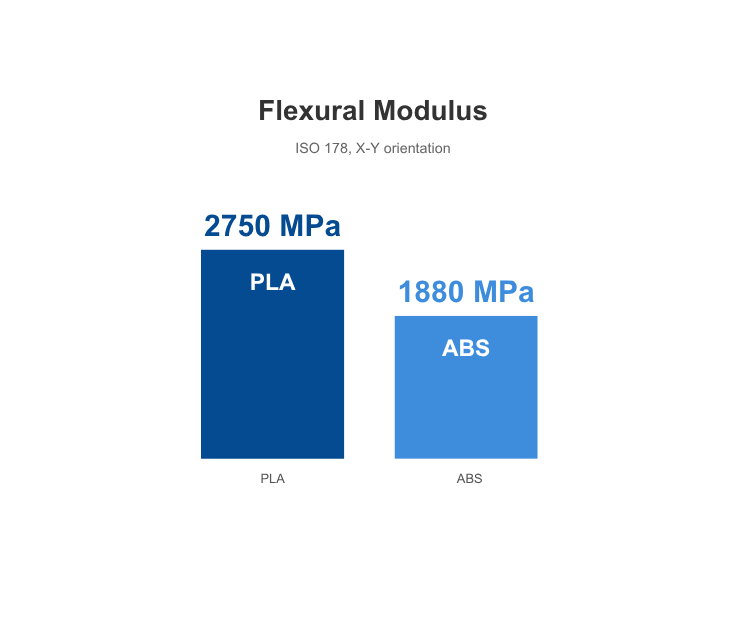
ABS and PLA are both widely used for filament 3D printing, but they serve different project requirements.
PLA is often selected for visual prototypes, presentation models and fit checks. ABS is commonly considered for functional prototypes and components where toughness and heat resistance are more important.
The choice depends on the purpose of your part. A model intended to demonstrate a product’s shape may have different requirements from a housing that must withstand repeated handling or elevated temperatures.
For functional applications, compare the technical specifications of the available materials and consider the performance of the printed part, rather than the plastic alone.
The price of your PLA part depends on its dimensions, geometry, production quantity and manufacturing requirements.
For FDM printing, material consumption, printing time, wall thickness, infill and support structures all influence the final cost. Additional finishing requirements can also affect pricing and lead time.
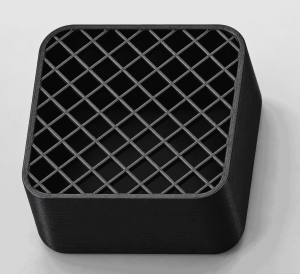
Reducing the infill percentage can lower the cost and weight of a 3D-printed part by reducing the amount of material used. However, a lower infill also means less internal support, which can reduce the part’s strength and stiffness. Choose an infill level that balances cost and weight with the mechanical demands of the part.
20% infill density on a 35mm large element
Submit your 3D file and project requirements to obtain pricing and an estimated production schedule. Delivery time should be added to processing time.
For more information, please check our pricing page.
Sculpteo uses Fused Deposition Modeling (FDM) to manufacture PLA parts layer by layer.
PLA filament is fed into a heated printhead, where it softens and is extruded through a nozzle. The printer follows toolpaths generated from your digital model, depositing the material onto a build platform.
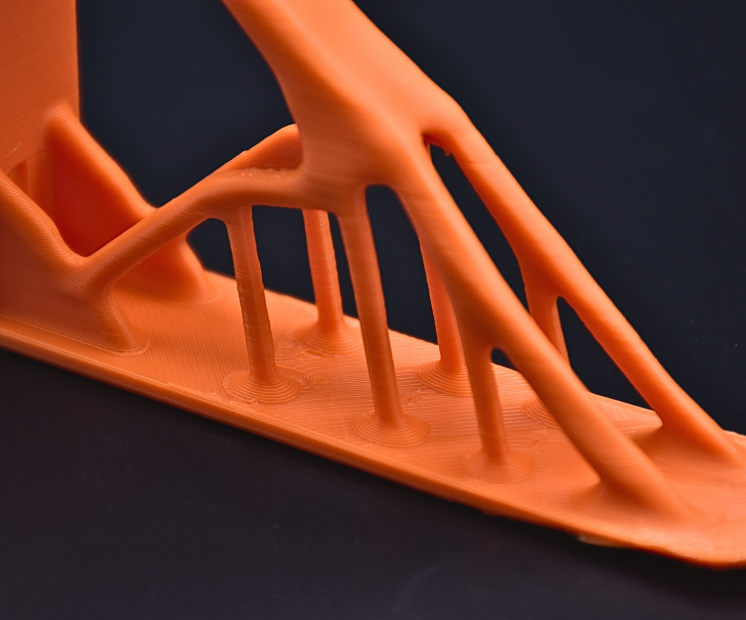
Each deposited layer cools and bonds with the previous one until the part is complete. Depending on the design, temporary support structures may be required beneath overhangs or other unsupported features. These supports are removed after printing.
FDM also allows the internal structure of the object to be adjusted through its infill. The combination of outer walls and internal infill influences weight, material consumption and mechanical performance.
Because the part is built in layers, its strength can vary with the direction of the applied load. Build orientation is therefore an important consideration for functional ABS components.
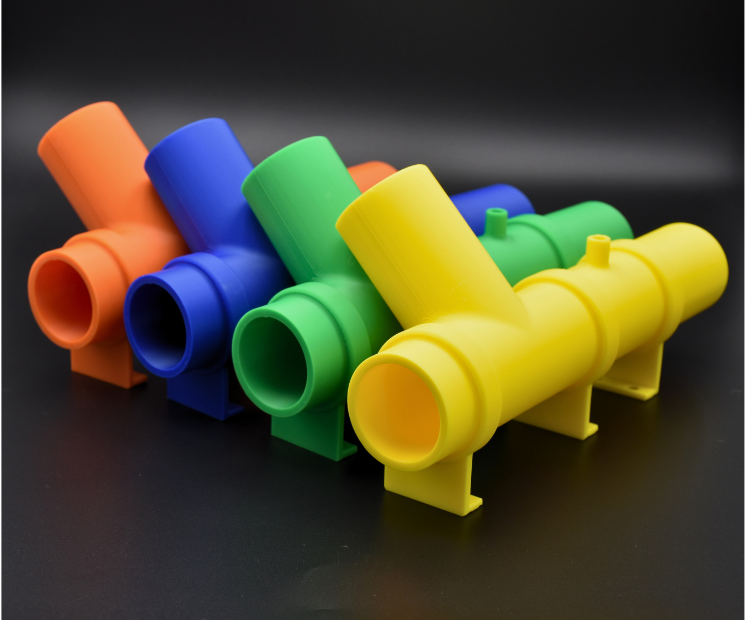
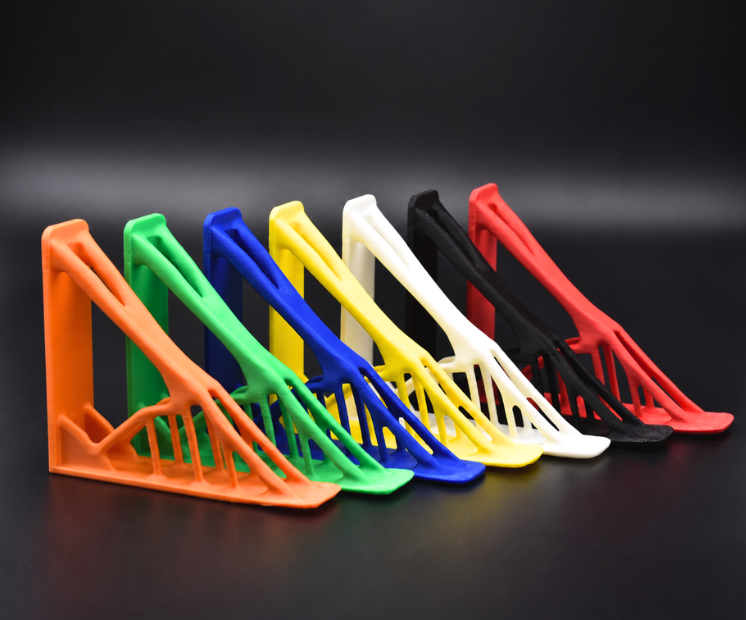
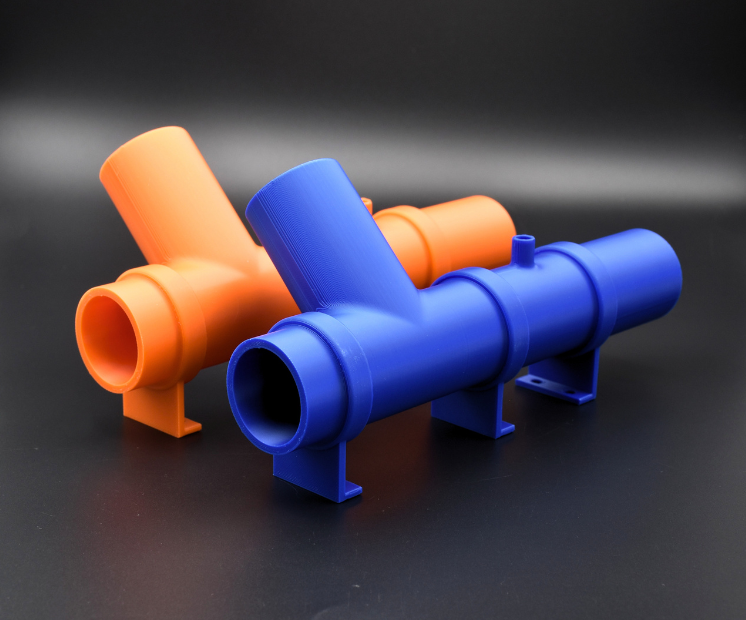
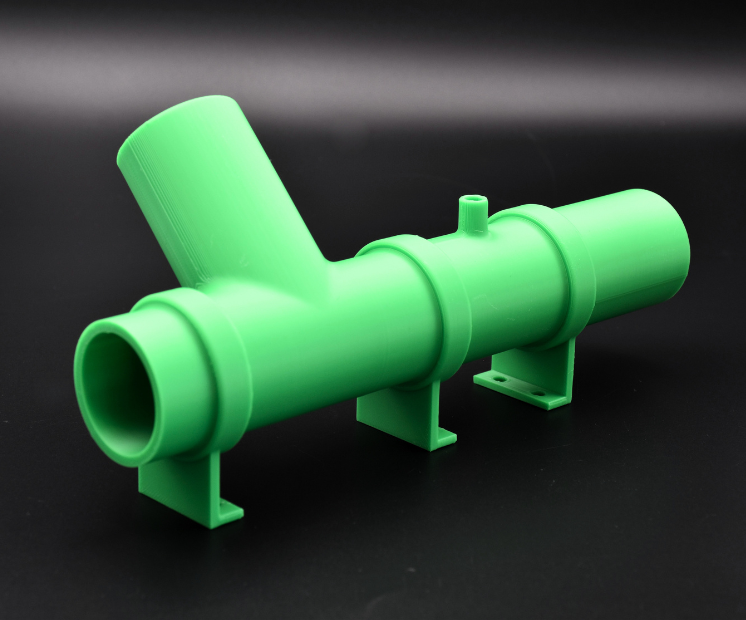
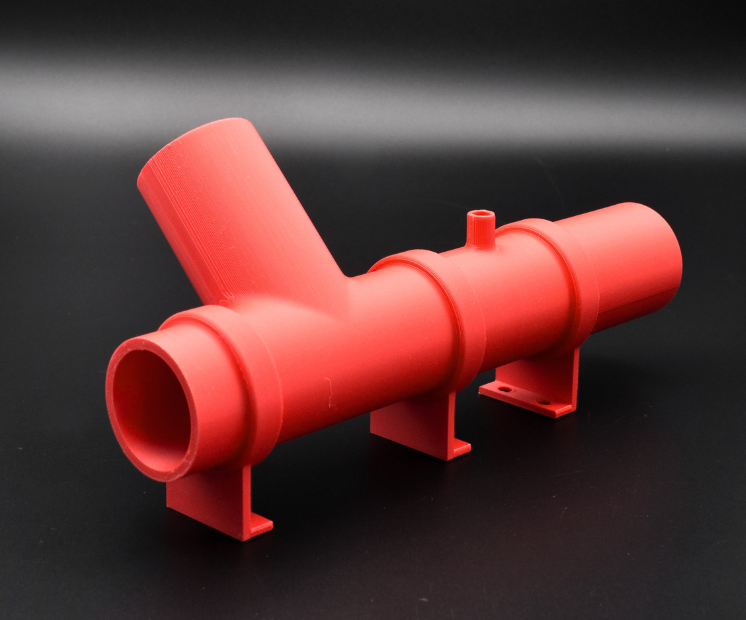
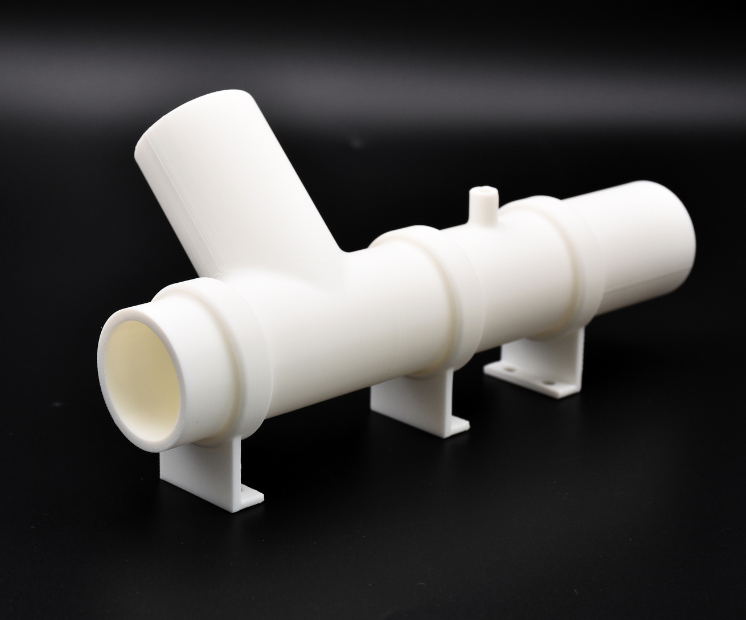
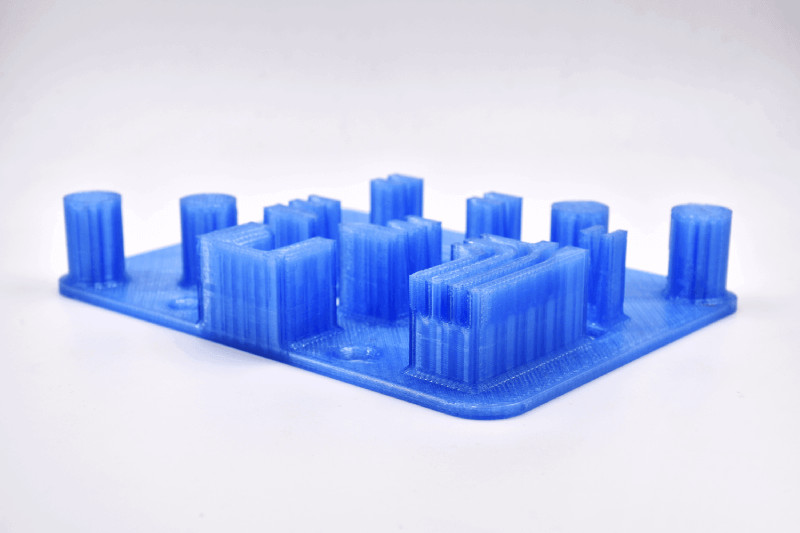
Sculpteo’s PLA material is available in blue, white, black, red, yellow, green and orange.
PLA printed parts have the layered surface appearance characteristic of FDM technology. Layer visibility varies according to the geometry, build orientation and printing settings.
Areas in contact with support structures may show marks after support removal. If appearance is important, consider the placement of visible surfaces when designing your part.
For a project requiring a particular surface quality, contact our team to discuss the available finishing options.
| Standard layer thickness | 100 – 120µm |
| Accuracy | ± 0.45% (minimum of ± 0.45 mm) |
| Maximum Size | 310 x 310 x 590 mm |

| Minimum wall thickness (flexible) | 1mm (1,5mm with chemical smoothing)

|
| Maximum wall thickness* | 9mm
|
| Minimum wall thickness (with chemical smoothing) | 1,5 mm
|
| Minimum wall thickness(rigid) | 2mm
|
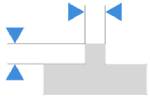
| Minimum wall thickness stemmed elements | 0.8mm with support
|
| Minimum wall thickness particular design aspects | 1-2mm |
* We do not recommend wall thickness above 9mm as thicker walls can create manufacturing issues, such as deformation, surface aspect issues – Hollowing your parts should solve this issue. Feel free to contact us if you need help to proceed with making your part hollow
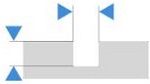
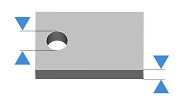
The walls of your design must adhere to a minimum thickness of 0.8 mm in order to guarantee the structure will not break. If the walls of your model are less than 0.8 mm, you can add a support structure to maintain stability.
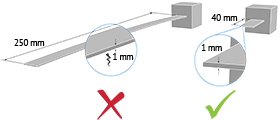
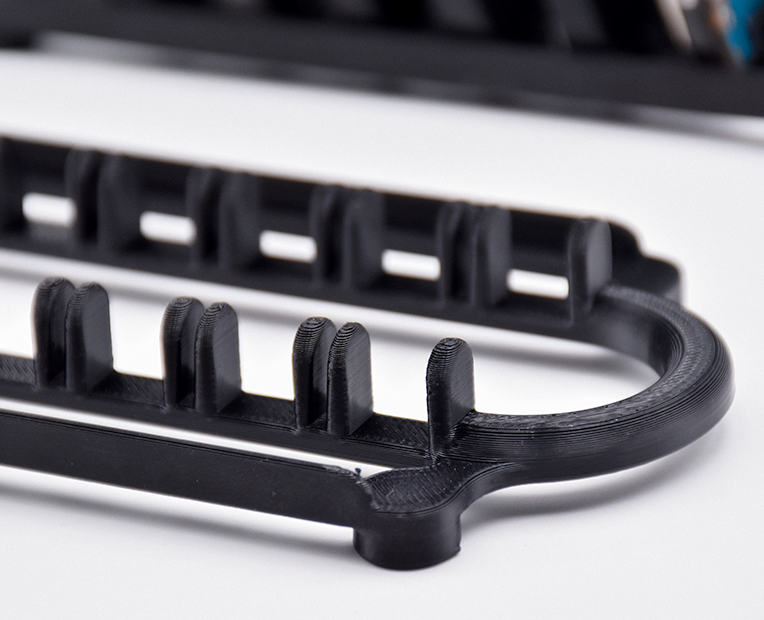
A stemmed element is a design aspect which is at least twice as long as it is thick. For unsupported and stemmed elements or parts of the design with a particular design constraint, it is also important to respect a minimum thickness of 1 mm in order to guarantee the object will not break.

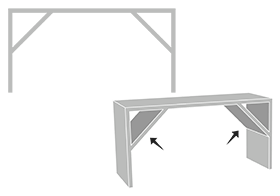
Add a support structure to maintain stability. For example, if you are modelling a bust of a person, you can attach thin aspects of the design like the ears in more places around the model’s head. Doing that will avoid cantilevered and easily breakable elements in the final print.
With a 0.8 wall thickness, your design will be slightly flexible. To obtain more rigidity, we advise a 2mm wall thickness.

Thin walls supporting large, heavy models can warp under the weight of itself.
Sculpteo offers an online solidity check tool which highlights parts of the print that may be too thin for a print. From there you are able to tweak your design in order to create an object that is an appropriate thickness. To use it, you just need to upload your 3D file, select your material and click on “Verification” tab.
It is also important to keep in mind that the object is to be printed into real life. Thus if a thin aspect is supporting something that is too heavy for it, it may break – even though it is possible within the physics provided by your 3D modeling software. We recommend adding a bit of thickness to the places that will get a lot of handling, or that support the most weight.
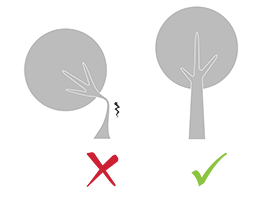
Do not forget

Keep in mind that our solidity check tool does not detect physical aberrations such as floating parts, unstable position, parts supporting too much weight relative to their thickness, etc. Particular care must be given to the geometry of your design and the most stressed parts must be thickened.

| Minimum size of details | 0.3 mm |
| Minimum height and width details | Embossed : 0.5 mm
|
| Minimum height and width for a readable text | 0.5mm |
| Enlargement ratio | 1/1
|
A detail’s minimum precision is mainly determined by the resolution of our 3D printers. However, during the cleaning process, a fine layer of detail can also be lost. In order for a detail and text to be visible we recommend following our recommended sizes at the very least.
It’s possible that particularly fine embossings and engravings will not be visible, as the carving could get filled with excess powder that is later unable to be cleaned out. If an embossing or engraving is an essential part of your design we recommend making them as deep as possible.
| Enclosed parts ? | Yes |
| Interlocking parts ? | Yes |

Our food grade PA12 (blue) material has the ability to print some of the most complex designs of our materials thanks to Selective Laser Sintering technology. An example of a complex design is a volume enclosed within another volume, like a chain or maraca. Our printers have the ability to print a fully interlocked chain, with no support structures to remove.
| Minimum spacing between fixed walls | 0.5 mm |
| Minimum clearance between parts | 0.5 mm |

For a successful 3D print a minimum clearance between objects is required to allow excess material to be sand blown out. If this space is not left within the design, the object will be a solid. This is particularly important for articulated objects – as the space left between the walls will define the object’s ability to move.
Clearance should be at least 0.5 mm, however that is the minimum for small objects. Larger objects require more space between their parts. This is due to the SLS printing process. Our printer beds are heated during the process, and larger objects are heated for longer periods. A small space between large objects runs the risk of melting together as it remains under heat for a long period of time. In some other cases, holes should be added to allow us to drain for the excess powder material within the clearance.
| Assembly ? | Yes |
| Minimum space | 0.5 mm |

Objects printed in polyamide can be printed to be assembled. As long as a width of at least 0.5 mm is left between the different parts of the object.
| Hollowing ? | Yes |

Our online hollowing optimization tool has the ability to greatly reduce the price of a print by reducing the amount of material used.
Using the tool requires adding two holes to your model, which will serve as the drain for the excess powder material within the object. The minimum size of these holes is determined by our website. Otherwise it is possible to hollow your object manually in your 3D modeling software.
| Files with Multiple Objects ? | No |

It is not possible to 3D print a 3D file containing several objects with our 3D plastic printers.
With Sculpteo’s online 3D printing service you’re just a few clicks away from professional PLA 3D printing. Your 3D model is printed with the highest quality and delivered straight to your door.
Get started now!
Connect with Google
Connect with Facebook